
How do you play After Bingo online with friends?
Press Online, then Host, and pick the map, the bots and how hard they play. The lobby shows a code of six characters and a Share code button that sends it with a link to the Join screen, the code filled in. Your friends type the code or open the link, press Join, and you press Start. Up to four people play in one match, and bots fill the empty seats.
Before you host: your name and your man
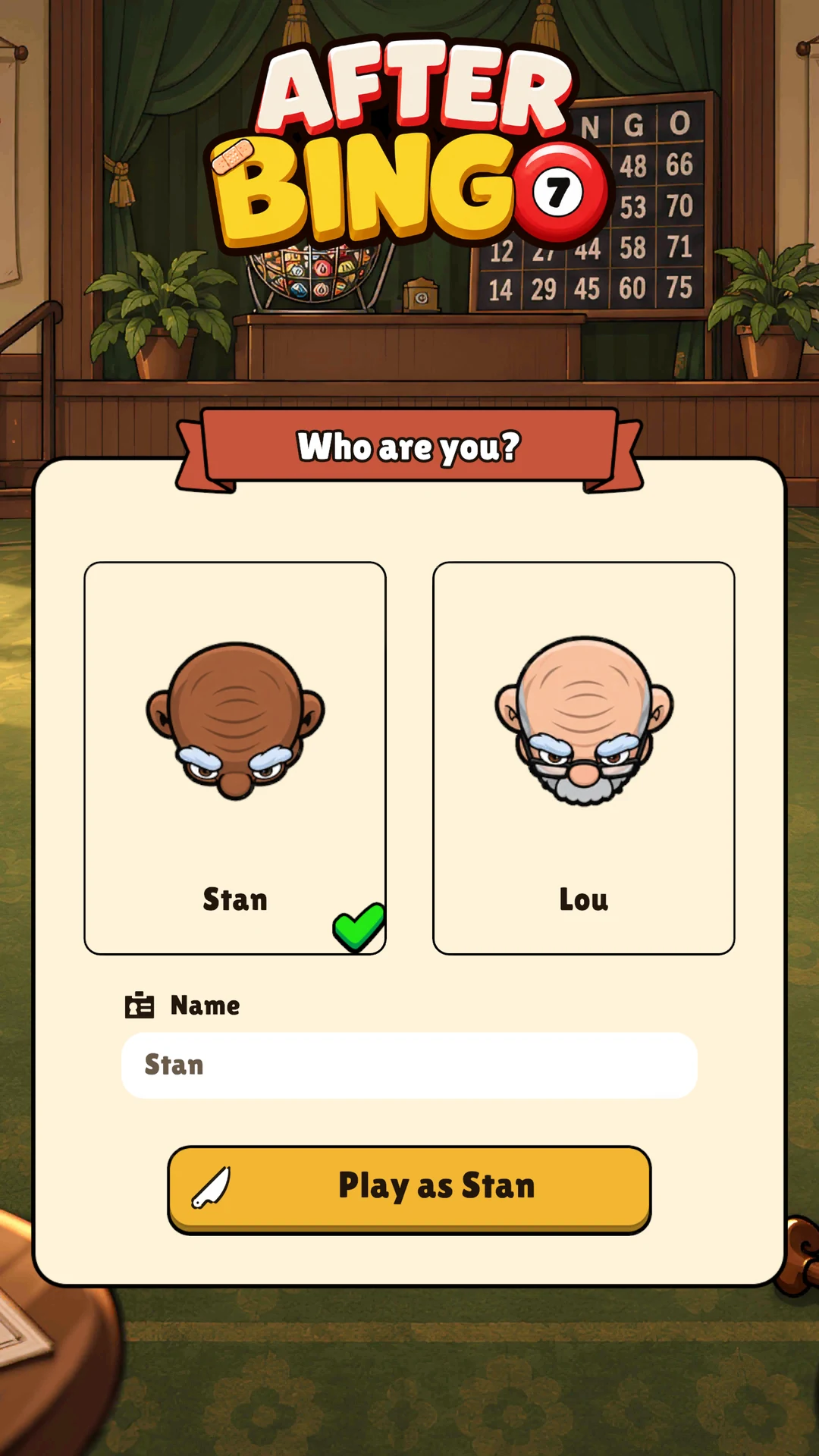
The first time you play, the game asks who you are: Stan or Lou, and a name. The others see that name over your man and in the lobby, so pick one your friends will know. You can change both later on the Profile, the card at the top right of the title screen, along with your shirt colour.
Host and share the code
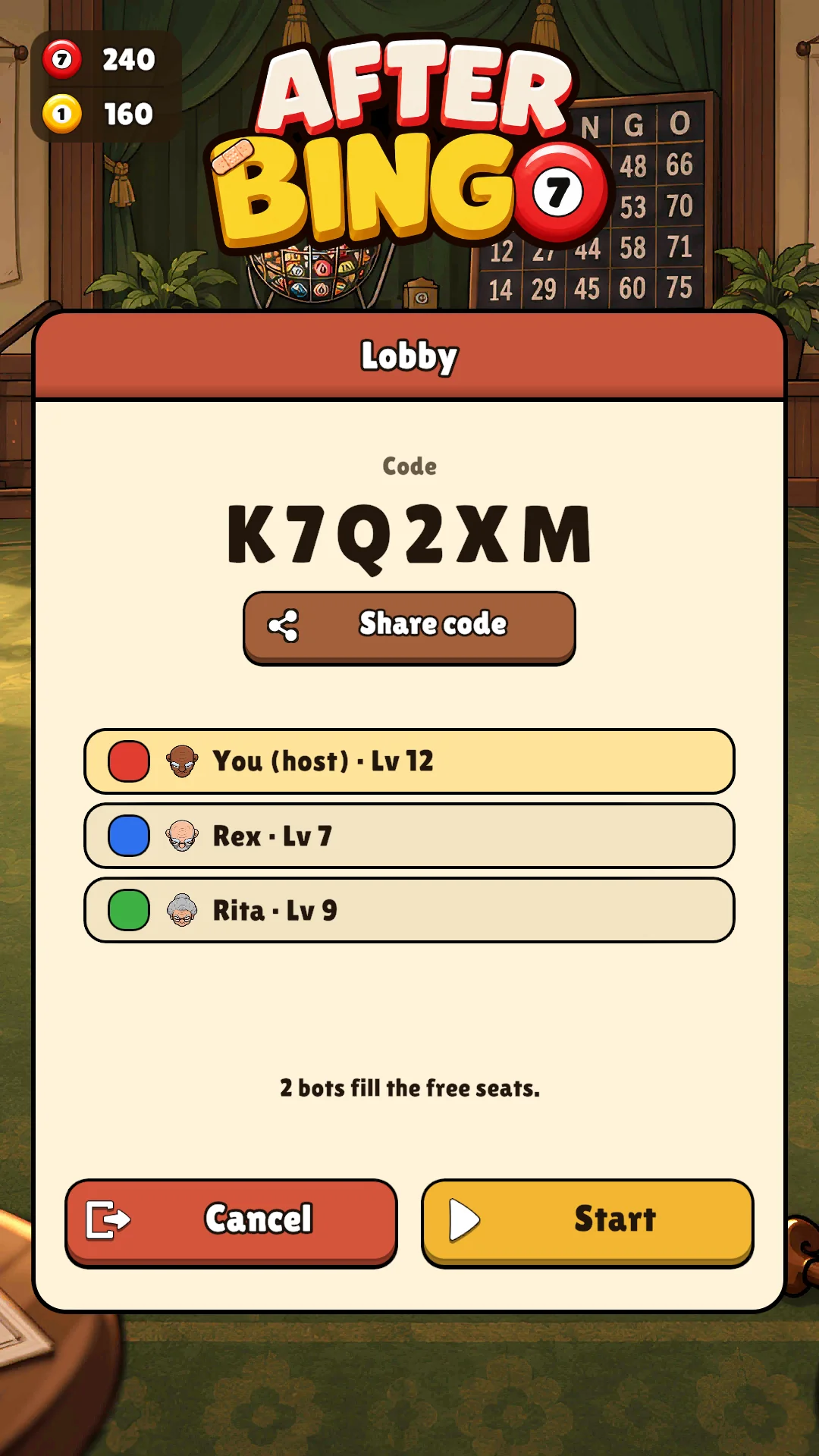
- On the title screen, press Online, then Host.
- Pick the map, the number of bots, their difficulty and the round's length. Switch on Public if strangers may join from the list of open games; leave it off and only people with the code get in.
- The lobby opens with the code. Press Share code: where the browser can share, it opens the share sheet; elsewhere it copies the message. The message says Join my After Bingo game, with the code and a link.
- Send it however you like: a chat, a text, the video call you are already on.
Join a friend's game
Open the link your friend sent: the game opens on the Join screen with the code already filled in, and you press Join. Or open the game yourself, press Online, then Join, and type the code on the keys it shows. A public game also shows in the list on that screen; pick it and you are in. A code that matches no game says so, and a full match says The match is full. If your game is a different version from the host's, it says so, and reloading the page gets the newest one.
Start, play, play again
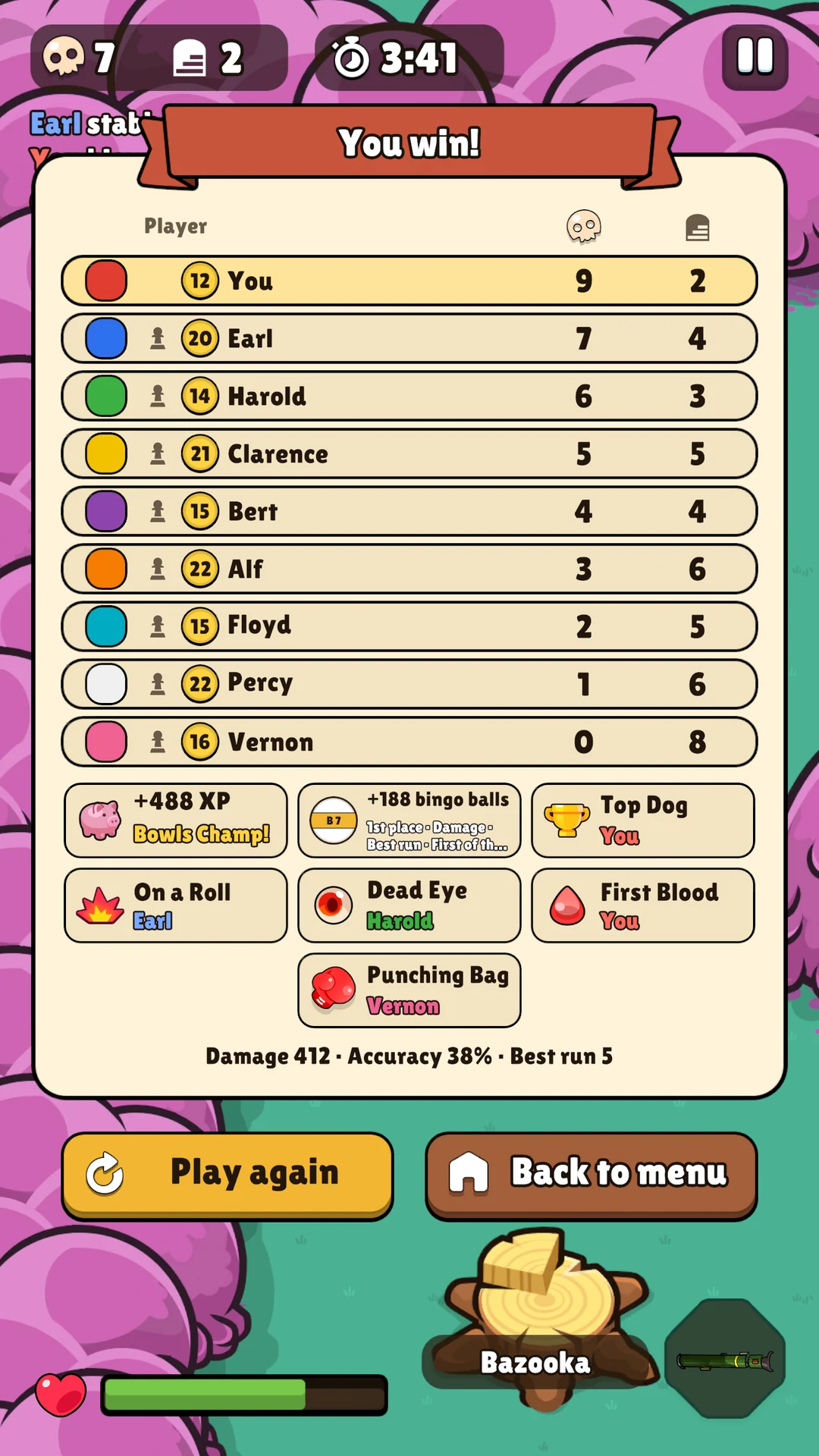
When everyone is in, the host presses Start. The bots the host picked play beside the humans: up to four humans and up to eight bots, twelve seats in all. A friend who arrives late joins the match already running, and a bot takes over the seat of anyone who leaves. When the round ends, the host's game starts the next one after a short countdown, and everyone plays again in the same match.
The host runs the match
No game server plays the match: the host's game does, for everyone. The others send their moves to it through Unity's relay and draw what it sends back. That means three things. The host keeps the game open until the round is over; if the host leaves, the match ends for everyone. A host in a browser keeps the game's tab in front, since a browser slows a hidden tab down and the others would drop out; the game reminds the host of it in the lobby. And the pause does not stop an online match: the others play on while you look at the menu.
Two names, one colour
Two players with the same name get a number after the second one, and a player who picks a colour another human already plays gets the next one, so everyone can tell the humans apart on the scoreboard and in the kill feed. Each player sees their own man as they picked him; the others see him the same way, prizes included.
What the game sends
To connect the players the game uses Unity's online services, which see each device's address the way any internet service does. Your player name, colour and man go to the other players of that game. A public game shows its code, its map, the host's name and how many people are in it, for as long as it is open. Unity's sign-in gives the game a random identifier that is not linked to your name. Codes and names never reach the game's analytics. The privacy policy has the rest.
And then
Online rounds count: they pay XP and bingo balls like any other, at the plain rate whatever the bots' difficulty. Learn the controls and the weapons before the first round, and warm up against the bots while your friends find their phones.